Voice & communications
Make every conversation count.
Connect customer calls with the people who can help. Explore a cloud phone system or discuss SIP trunks for your existing business equipment.

Keeping Australian business connected
Phone systems
Choose your phone system.
Choose the starting point that matches the phone system you have and the way you want to work.

Hosted PBX
Bring office, remote and mobile employees together with a phone system hosted in the cloud.

Hosted UCS
A unified communications platform bringing calling, messaging and collaboration together in one hosted system.

Hosted 3CX
A hosted 3CX phone system for businesses that want a specific, feature-rich PBX platform without the on-site hardware.
Not sure which system?
Tell us about your current phone system, users and locations, and we’ll help you compare the options.
Calls and numbers
Connect the tools you already use.
Bring calling to a compatible phone system or Microsoft Teams, and give customers one number to remember.

SIP Trunks
Discuss internet-based calling for an existing compatible business phone system. Start with your current equipment and calling requirements.
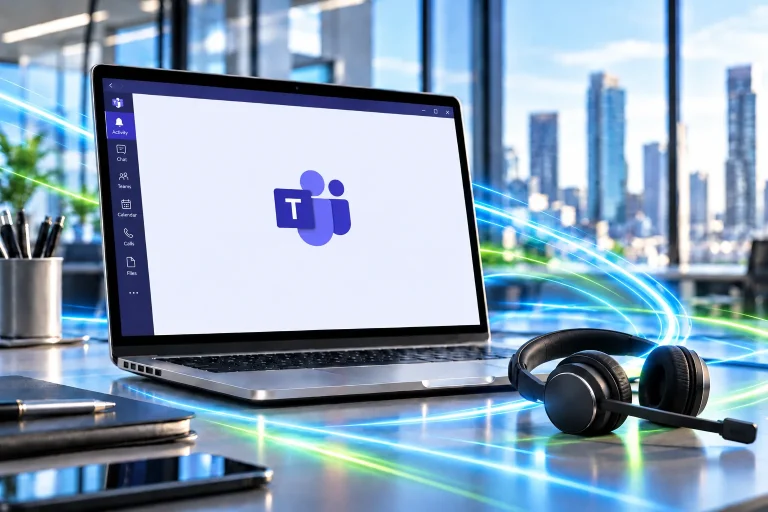
Microsoft Teams Direct Routing
Connect Microsoft Teams to the public phone network so your team can make and receive calls directly within Teams.

Inbound 1300/1800
Give customers one number to remember with inbound 1300 or 1800 call routing for your business.
Keeping your numbers?
Tell us which numbers you use today, and we’ll check what’s needed to bring them across.

Business mobile
Keep your team connected on the move.
Business mobile plans for your team, managed alongside your other Scootnet services.
- Plans for your whole team
- Managed with your other services
Before you switch
Build calling around your people.
Understand your setup
Tell us about your current phone system, business numbers, users and office locations.
Map your call flow
Consider who answers incoming calls, where calls should go next and how you handle missed calls.
Discuss the transition
Review equipment compatibility, number transfer requirements and a suitable changeover plan with our team.
Voice and internet
A dependable connection comes first.
Voice and internet work together. Review your connection alongside your calling needs, especially when video meetings and cloud applications share the same service.
Help & support
Before you change your phone system.
Let’s talk about your calls.
Tell us how your team works and where your current system falls short.